![InQuartik Patentcloud Logo.png]](https://helpcenter.inquartik.com/hs-fs/hubfs/InQuartik%20Patentcloud%20Logo.png?height=40&name=InQuartik%20Patentcloud%20Logo.png)
On your search results page, switch to the Summary View Mode.
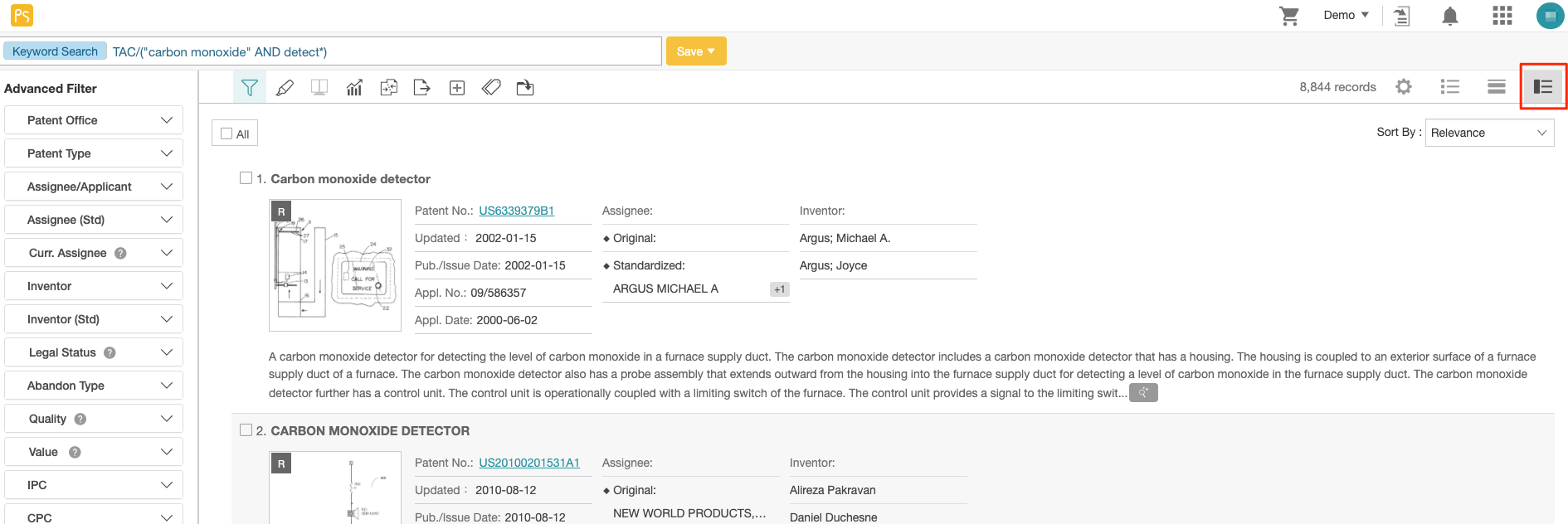
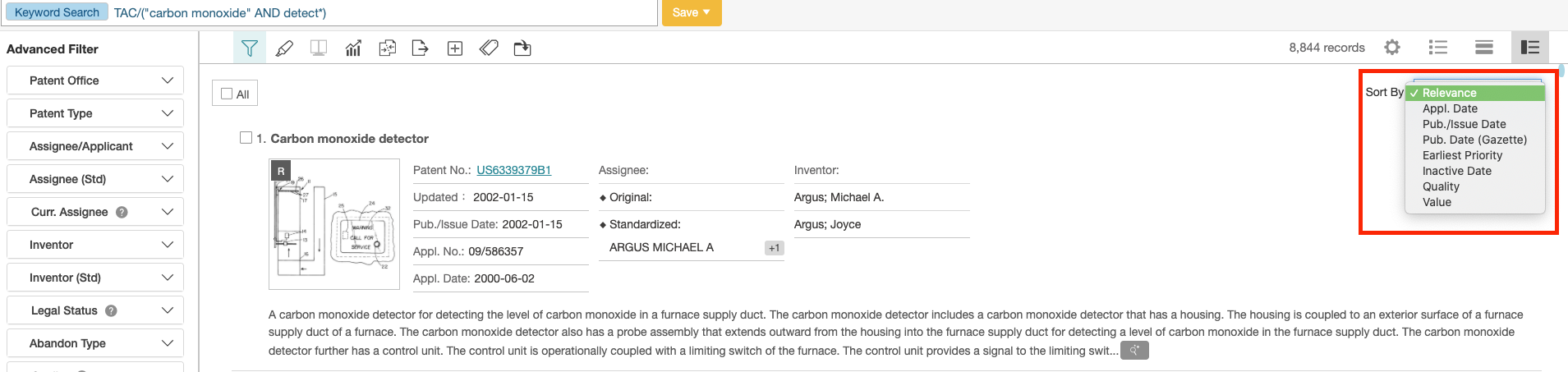
Select your Sort By preference in this view. It will apply to all other view modes (e.g. Gallery and List). Options for Sort By include: Relevance, Application Date, Publication/Issue Date, Publication Date (Gazette), Earliest Priority, Inactive Date, Quality, and Value.
For more information on PS search results, please refer to this article.